
Topic 2
GitHub Account Setup
Check the GitHub account you will use for repositories and collaboration. If you need an account, create one and verify its email address.
Create or confirm the account
Choose the GitHub account that will own this repository. If you already have an account, sign in with it.
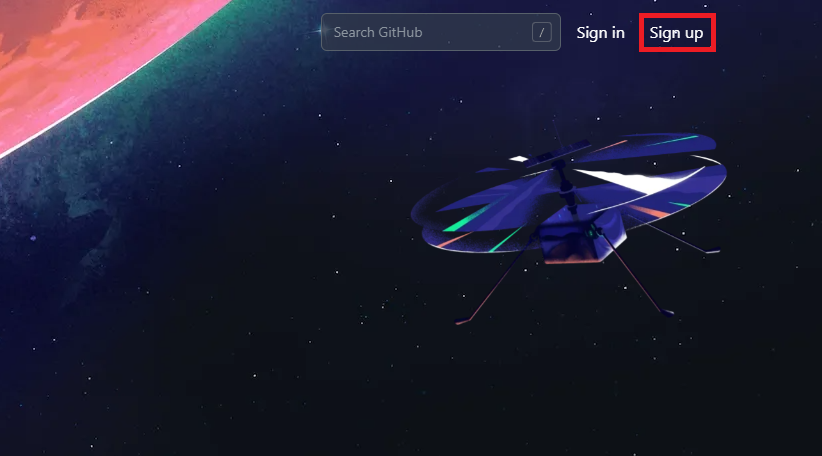
Open the official GitHub homepage.

If you do not have an account, sign up on the GitHub sign-up page and follow the prompts to verify your email address.
Turn on basic security
If you use a password, make it strong and unique. Follow GitHub’s two-factor authentication guide to set up 2FA, and store your recovery codes securely.
Prepare a usable profile
Check the username on your profile. Creating a repository requires a verified email address, so check its status under Settings > Emails and follow GitHub’s email verification guide if needed.
If you can sign in with the account you chose and have verified its email address, continue to Connect GitHub.