Optional
Generate a redlined PDF
On Windows, use latexdiff to compare the earlier and revised LaTeX files, then compile the marked-up TeX output to PDF.
Prepare old version
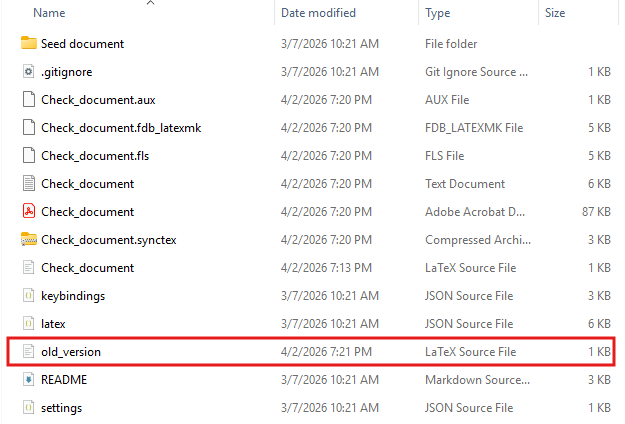
Copy the earlier .tex file you want to compare to old_version.tex. Keep project files needed to compile the PDF, such as images and bibliography files, available.
Prepare revised version
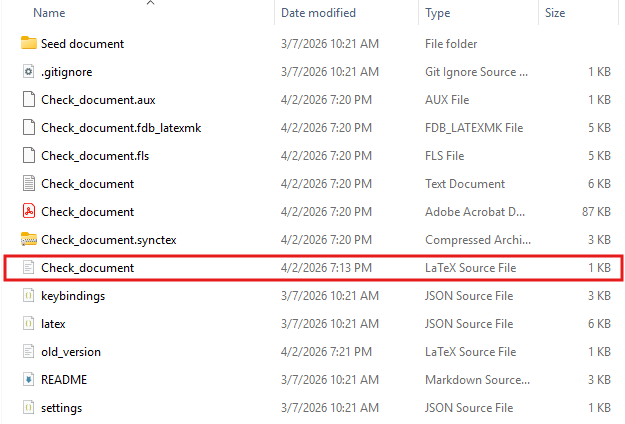
Copy the revised manuscript’s .tex file to revised_version.tex. Put it in the same folder as old_version.tex and check that these are the two versions you intend to compare.
Run latexdiff
Use the official latexdiff documentation when you need upstream details about command options or troubleshooting.
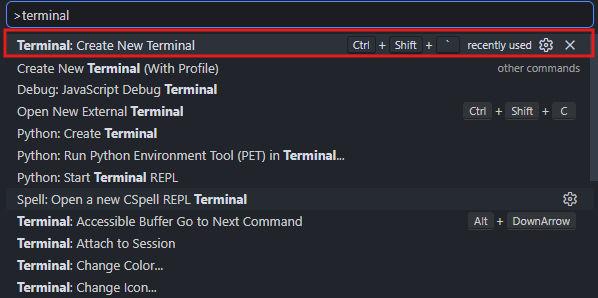
Official documentationIn VS Code, open the folder containing old_version.tex and revised_version.tex. Press Ctrl+Shift+P to open the Command Palette, then run Terminal: Create New Terminal.
In the PowerShell terminal, run the following command to generate diff_version.tex:
cmd /c "latexdiff --math-markup=0 old_version.tex revised_version.tex > diff_version.tex"
The command uses --math-markup=0, which suppresses math markup. Deleted equations will not appear in the difference file. To show equation changes, choose 1, 2, or 3 from the table below and use that value in the command.
| Value | Math markup |
|---|---|
0 (off) |
Suppress math markup and omit deleted equations from the difference file |
1 (whole) |
Mark the whole equation even for a small change |
2 (coarse) |
Mark changes within equations at coarse granularity (default) |
3 (fine) |
Mark small changes within equations at fine granularity |
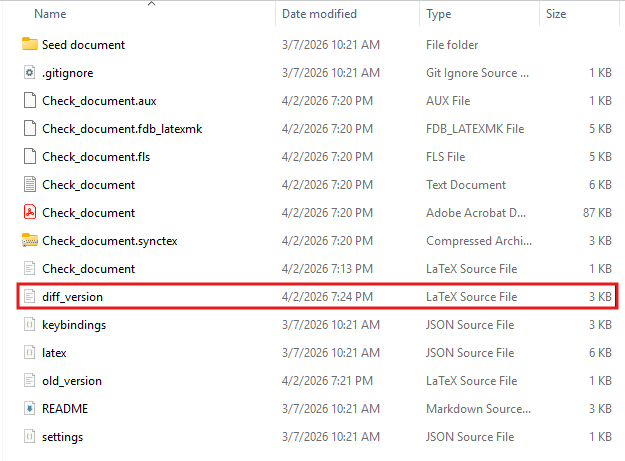
When the command finishes, check that diff_version.tex appears in the folder containing the two input files.
Compile the redlined file
If the manuscript uses pdfLaTeX, compile diff_version.tex in the same terminal with the following command. For XeLaTeX or LuaLaTeX, replace -pdf with -xelatex or -lualatex, respectively.
latexmk -pdf diff_version.tex
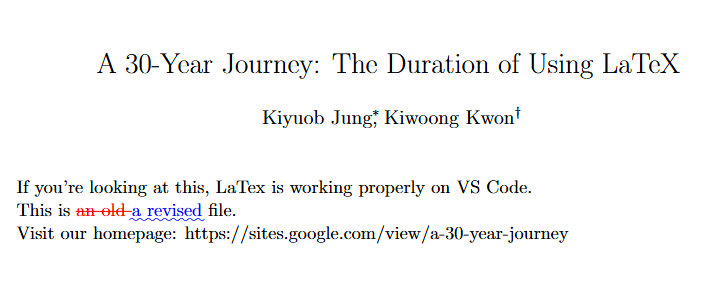
After compilation, open diff_version.pdf and check that text changes appear as in the example below. Equation markup depends on the selected --math-markup value.